Here’s a neat trick you can do after rooting: promote any installed launcher to a system app, making it behave like a built-in launcher.

I personally don’t like Trebuchet, so I replaced it.
Prerequisites:
- Rooted device
- ES File Explorer (or any root-capable file manager)
NOTE: Do not delete any system files. That can break your device.
Open your file browser and navigate to:
/system/app
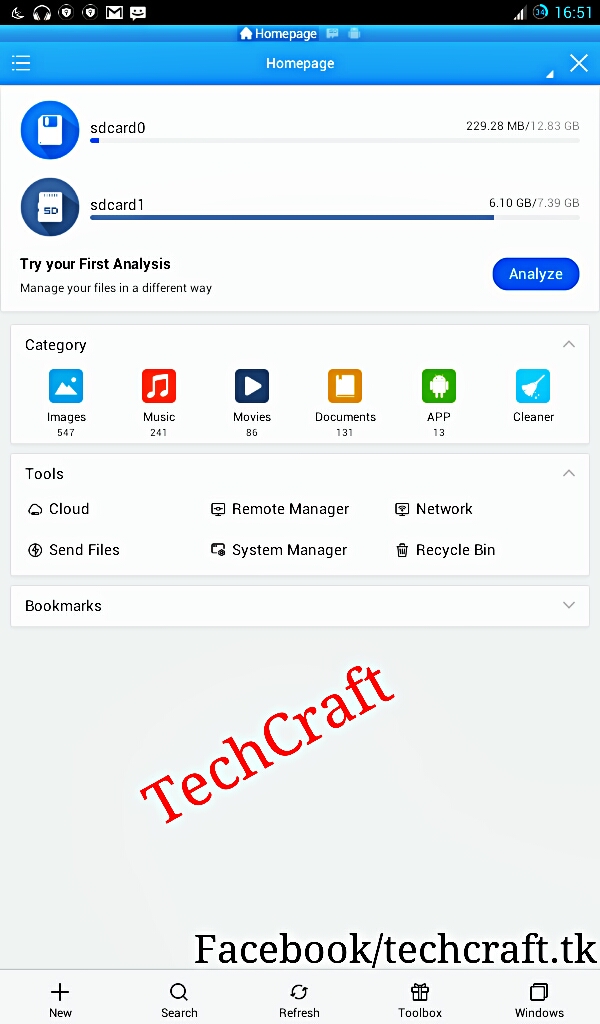
Download your preferred launcher APK. Find the APK of your built-in launcher (e.g. TouchWiz.apk) in /system/app and replace it with your downloaded launcher, renaming it to match.
Example: to replace TouchWiz with Nova Launcher:
- Download
Nova_launcher.apk - Rename it to match the existing launcher APK filename in
/system/app - Copy it into
/system/app, overwriting the original
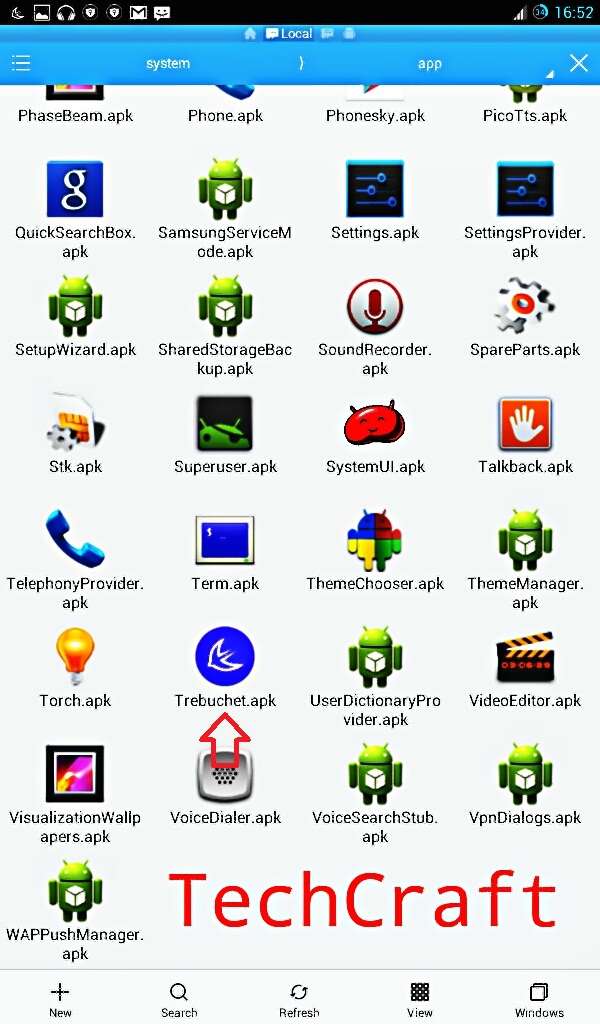
Note: the launcher folder location may vary between device variants — it’s typically /system/app but could differ.
Restart your device (mandatory). If you see “Launcher has unfortunately stopped,” just reboot again.
Done! If you have any questions, ask in the comments.