
In this article let’s look at how to crack WPA/WPS secured routers. To be specific: we’re only dealing with WPA/WPS networks here.

You can retrieve the password of a WPA/WPS secured network if you have a rooted Android device.
Prerequisites:
-
Rooted Android device running Android 4.1 or higher
WARNING: Rooting removes built-in security protections from your device. Do this at your own risk.
-
BusyBox provides a collection of Unix utilities in a single binary — essential for low-level device tweaking. Install a compatible version via the BusyBox app.
-
WPA/WPS Tester app
This app attempts to connect to WPS-enabled networks by testing known PIN vulnerabilities. If your organization handles sensitive data, disable WPS on your router to stay protected.
Steps:
-
Open WPS Tester and tap the icon at the top to enable Wi-Fi.
-
You’ll see all nearby networks. Networks with a green lock likely have WPS enabled and may be vulnerable. Networks with a red lock have WPS disabled and are not susceptible to this attack.
-
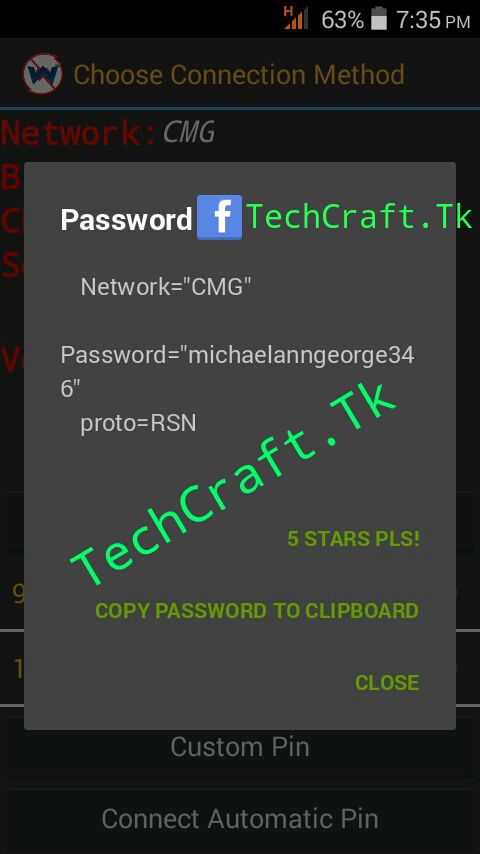
Select a green-locked network and tap Try to Connect (Root). Grant root permission when prompted.
The app will try various known WPS PIN combinations. Be in range of the target network — a signal of -60 dBm or stronger works best.
This process requires patience — expect 10–15 minutes and possibly multiple attempts.
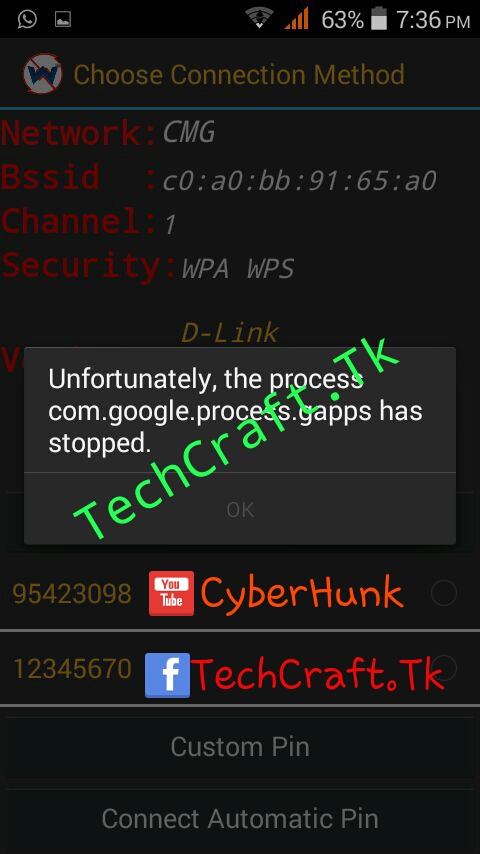
- If it doesn’t connect, tap Try to Connect again. Try at least 5 times.
If you’ve followed the steps correctly, you should eventually get the password.
Happy cracking ;-)