Let’s have a small look at Android’s internal structure.
Android has a layered architecture. The Android library includes components like:
- Surfaces Manager
- SSL
- SQLite
…and more.
Android stores application data in SQLite databases. These run through the DVM (Dalvik Virtual Machine), and essential app data is kept in SQLite format.
NOTE: This isn’t about exploiting SQL databases — it’s just a tutorial on how to access them. I’ll cover exploiting SQLite databases in a separate article.
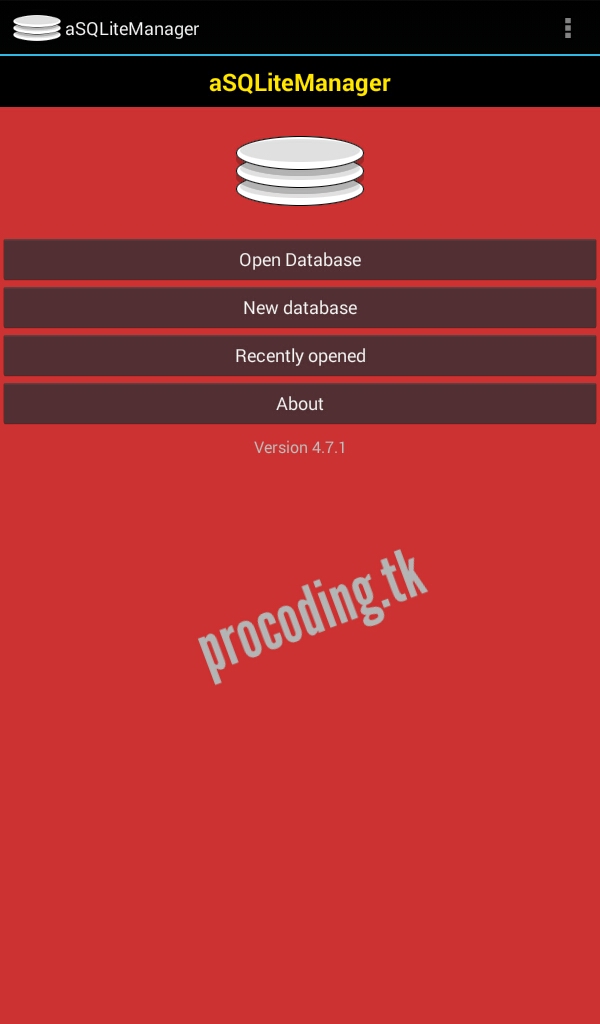
Download the SQLite Manager app for Android:
https://play.google.com/store/apps/details?id=dk.andsen.asqlitemanager&hl=en
You can find database files in this directory:
/data/data/com.example.apk/databases
Or alternatively:
/data/system/user/0/com.example.apk/databases

Before going further: you need root access to do this. Otherwise you’ll need other methods, such as decompiling on a PC.
Open the app and allow root access. Then navigate to the database folder mentioned above. You can only open files with the .db extension — for example: scores.db, password.db.
From there, open and edit SQLite entries and save. This way you can modify app data — game scores, for instance.
Happy Hacking ;-)