Warning: Rooting your Android device removes built-in security protections and disables OTA updates from the manufacturer. Do this at your own risk.

Requirements:
- Battery above 10%
- Good internet connection
- Patience ;-)
Download the KingoRoot app (not KingRoot — these are different apps):
Enable internet, open the app, and tap Root Now.
You may see a popup saying “There is no root files available for your device.” Ignore it and tap Continue Anyway.
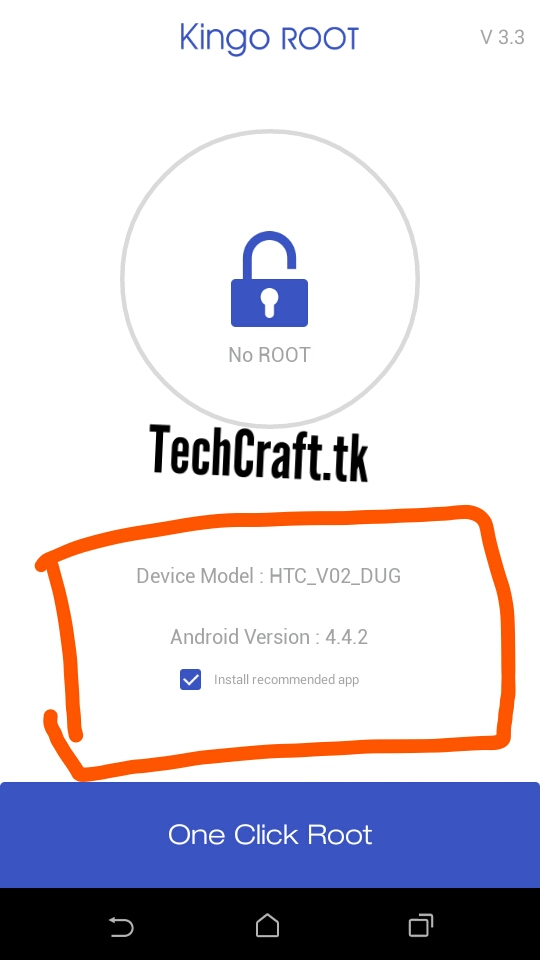
Note: This process takes at least 10 minutes.

Don’t minimize or interrupt the process. Keep the screen on if possible.

After a while you’ll see a “Rooted Successfully” message.
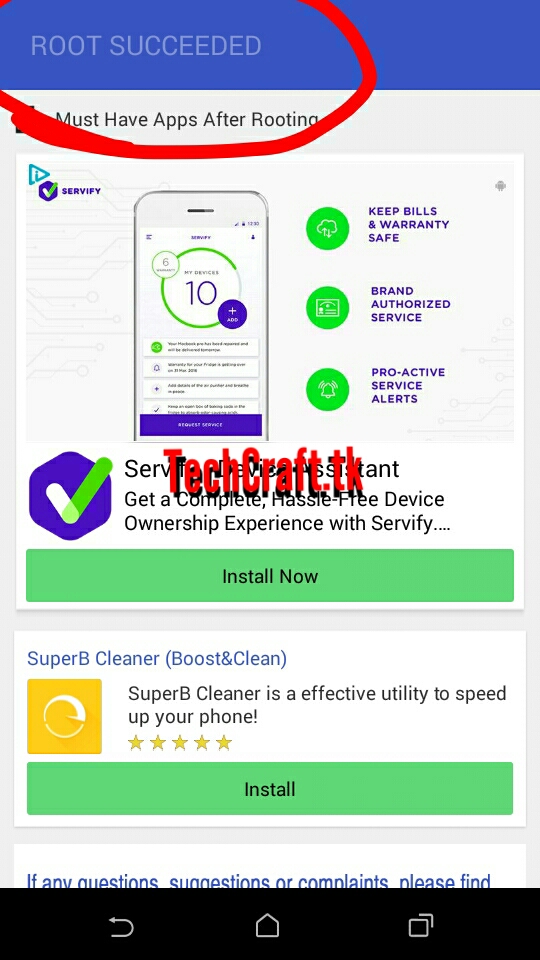
Reboot your device — this step is mandatory.

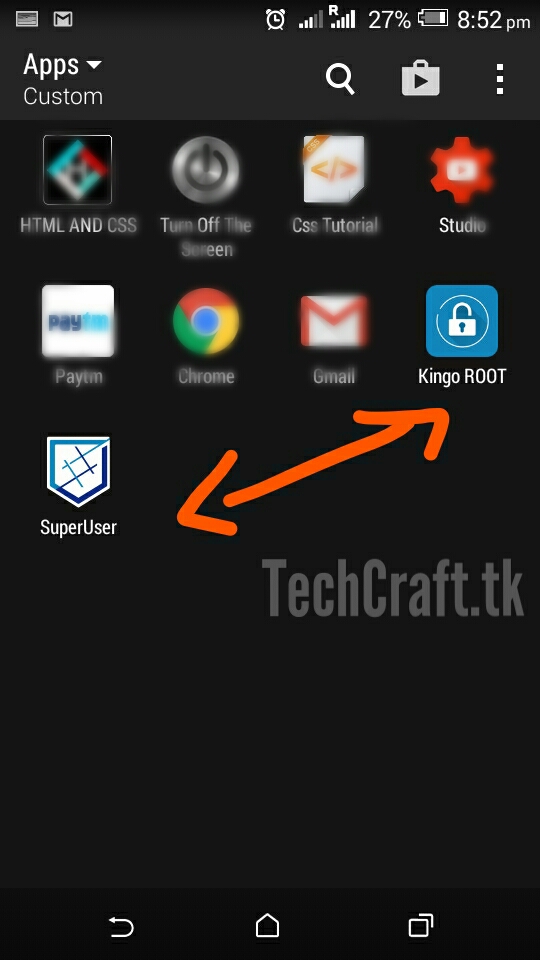
After rebooting, you’ll see the SuperUser app — confirming you’ve successfully gained root access.
That’s it! All the best!